The office printer problem guide (when turn it off and on again isn't enough)
Paper jams, scan-to-email failures and "it worked yesterday" — printers waste more office hours than almost any other device. Here's how we tame them.
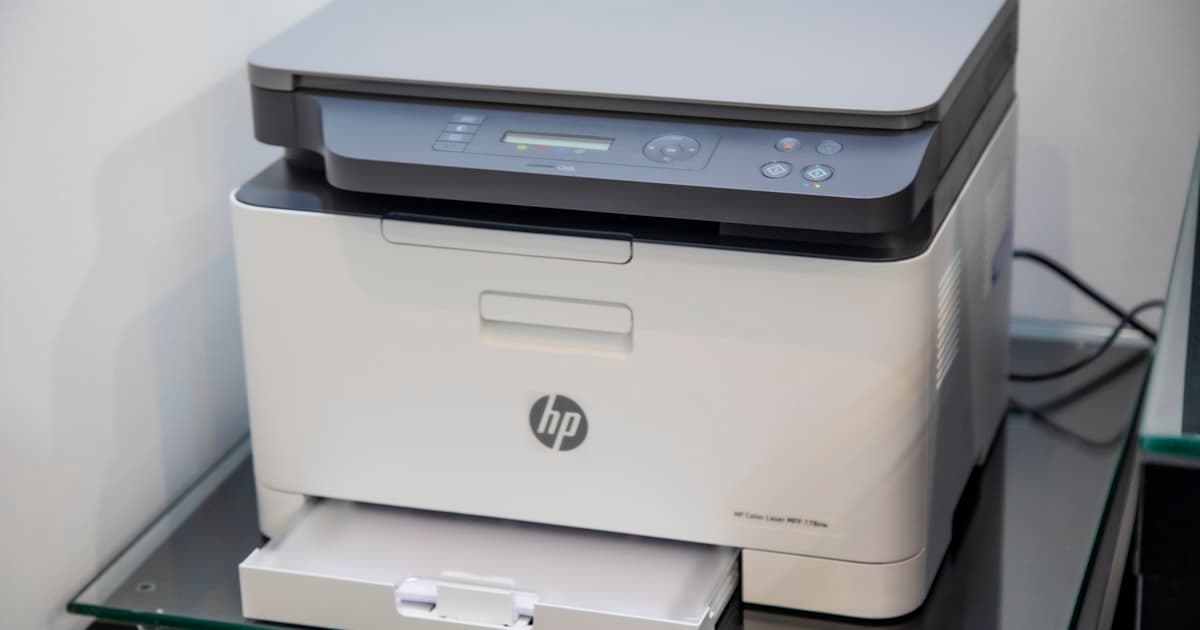
Printers are computers with paper
Modern MFPs run Linux, have IP addresses, store address books, and fail in creative ways. Treating them like dumb copiers is why scan-to-email breaks every time the office password policy changes.
The usual failures
- Scan to email stopped — SMTP auth or Microsoft modern auth changed; the printer wasn't updated
- Random offline — sleep mode, bad Wi-Fi, or DHCP giving it a new address nobody documented
- Driver hell on Windows 11 — wrong PCL vs UFR II driver for the model
- Paper jam sensors — tiny torn scrap left inside from the last "fix"
- Toner contracts — cheap until you're locked in at £200 a cartridge
What actually fixes it
We document printer IP, model, drivers and scan settings in your IT documentation. We use static IPs or DHCP reservations. We test scan-to-email after every password rotation.
For high-volume offices we recommend managed print assessment — sometimes one properly placed device beats three cheap ones fighting on the network.
When to replace vs repair
If it's out of support, can't do secure scan-to-email, or needs parts that cost more than replacement, we'll say replace. Otherwise on-site maintenance beats rage-clicking.
Printer pain is billable hours nobody wants. Raise it with us and we'll either fix it properly or recommend kit that won't ruin Tuesdays.
Need a hand with your IT?
Book a free consultation and we'll take a look — no obligation.
Book a free consultation