Why office Wi-Fi keeps dropping (and how to fix it properly)
Dead zones, dropouts and "Wi-Fi's rubbish today" usually aren't bad luck — they're design problems. Here's what we fix on site across West Yorkshire offices.
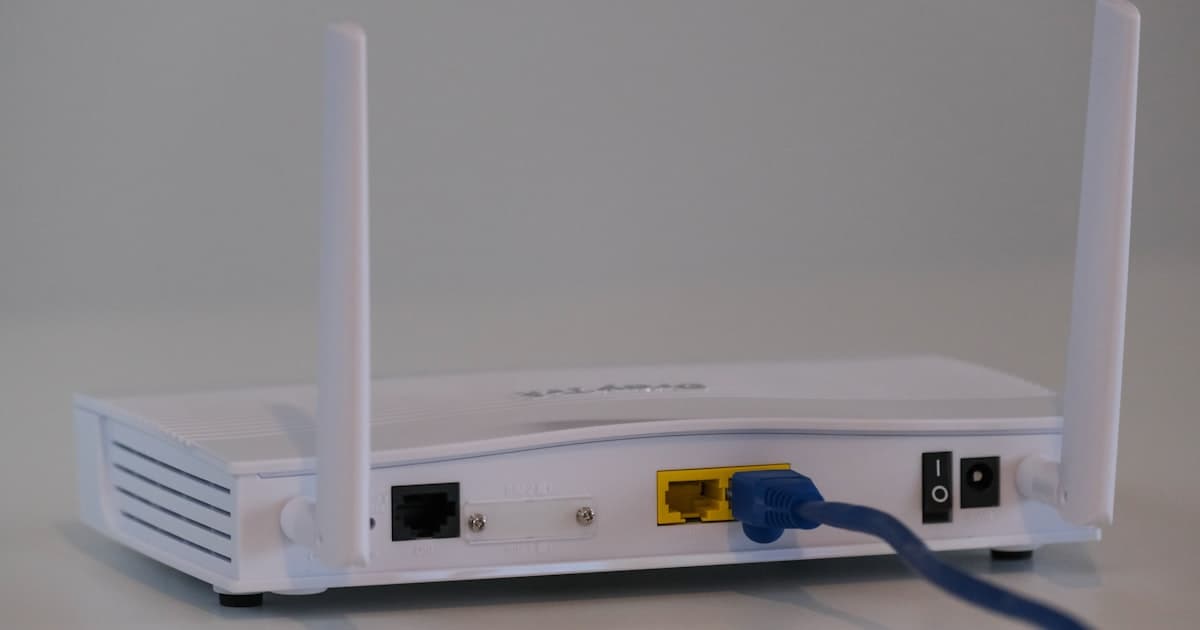
It's probably not your ISP
When Wi-Fi is flaky, businesses blame the broadband provider first. Sometimes it is the line — but more often the router is in a cupboard, the access points are consumer-grade, or the office layout changed and nobody moved the APs.
Concrete walls, metal racking, microwave ovens and neighbouring networks all matter. Wi-Fi is radio; physics wins arguments.
Common culprits we see
- One router at the front serving a deep warehouse or two-storey office
- Consumer mesh kits marketed for home use on a busy Monday morning
- Same SSID/password for staff and guests with no isolation
- Channel overlap — twenty networks on 2.4GHz fighting in an industrial estate
- Old firmware and ISP routers that haven't been rebooted since 2022
What a proper fix looks like
We start with a survey — either on site with a mapper or a structured walk-through. Then we design coverage for where people actually work, not where the phone socket was in 2008.
Business-grade access points, PoE switches, separate guest VLANs, and controllers that let us see which AP is struggling before users complain. For workshop and retail clients we also plan for barcode scanners, tills and CCTV without everything competing.
DIY vs getting it done once
Home kit is cheap until you add up three days of staff saying "it's dropped again." A well-designed office network costs more upfront and then disappears into the background — which is the point.
Request a Wi-Fi survey if you're moving premises or tired of staff tethering to phones in the car park.
Need a hand with your IT?
Book a free consultation and we'll take a look — no obligation.
Book a free consultation